
Build a Shared Operations Board for Small Shop Teams
One shared operations board can reduce guesswork, missed messages, and last minute emergencies by giving everyone one current list of tasks and owners.
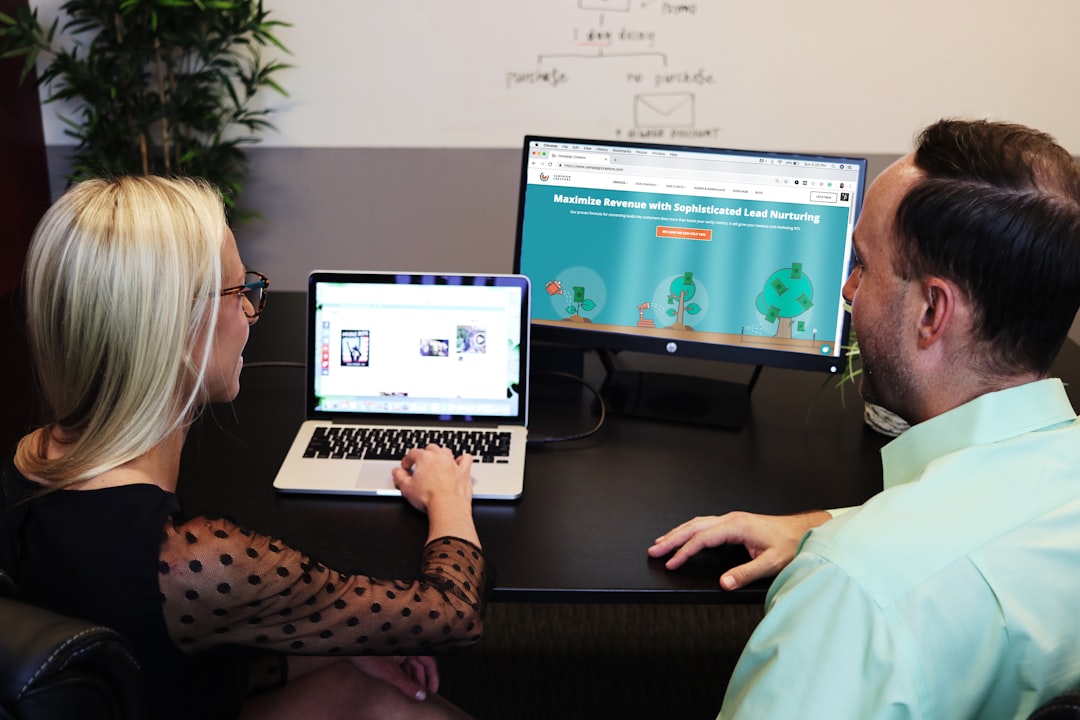
At 3:14 PM on a Thursday, Lena saw the same issue for the third time that day. The front desk had a customer asking about a delayed order, one team member was helping with a card payment exception, and another was responding to a review request from a local marketplace. None of them were doing the wrong thing. They were just looking in different places for the same truth.
Small shops run on short messages, quick decisions, and trust built over time. When each person tracks work in a different app, that trust breaks in small ways. A missed update in one system becomes a long chain of confusion in another. The goal is not to add more tools. The goal is to let everyone on the team see the same action list when they start a shift.
Start with one command board
The board can be one shared document, a Trello-style layout, or a spreadsheet with tabs. The important part is structure, not software. Keep only seven columns.
Use these columns in this order: channel, owner, task, urgency, next action, evidence, and status.
When a team member receives a customer message, a staff update, or a payment alert, they log one row. The row should only include plain details: what happened, where it started, and what needs to happen next. Avoid full narratives. One row should never be so long that a person can not read it in six seconds.
Pick where each channel lands
Most local teams use too many places to capture the same request. Before adding another workflow, fix the channel map. For example, map these to single lanes.
Customer messages: phone calls, message replies, and social inbound notes.
Checkout exceptions: card holds, offline mode, refund requests, and suspicious payment instructions.
Listings and profile updates: hours, menu details, contact changes, and address edits.
Operations notes: delivery delays, supplier timing changes, and temporary service notices.
Then train everyone to open the board first, not their inbox first. This one habit lowers duplicate replies and reduces duplicate conversations.
Build a short route for each row
Each row should answer five questions in order. Who sees it, what changed, what is at risk, who owns it, and what the final proof is. The proof might be a screenshot, order number, or confirmation email. Without proof, rows stay open too long, and that usually means no one can close the loop calmly.
Use a short escalation rule. If a row has no owner in 15 minutes, it moves to the backup owner. The backup owner can be a manager or office lead. Small teams get the most value from predictable escalation, not from perfect prioritization.
Use AI drafts, but keep approval in the board
AI can reduce typing load, especially for repeat questions, but the board should still control what leaves the desk. Add a column called Draft ready and let staff send AI-ready notes there first. Then apply one human pass before sending anything to a customer.
This can be one person for a short window in the morning and a different person in the afternoon. The owner for each shift simply checks tone, facts, and any payment or security claims. The board entry moves to Ready to send only after that check.
That does not slow the team. It removes the hidden cost of fixing unclear replies after they are sent.
Create a payment-exception lane that is not reactive
Payment exceptions cause the loudest stress because they sound urgent and carry money risk. Create a row template for this lane.
What changed: card terminal offline, reversal pending, or alternate payment asked.
Evidence: transaction ID, customer contact, and staff initials.
Owner: person handling payment follow up.
Deadline: exact time to close the customer update.
Even when you do not use every field every day, the lane stays useful during peak moments. If you use an online payment processor, this lane helps your team use the same payment exception language and customer follow-up timing no matter who is on duty.
Protect the team from noise with a two-pass cadence
Run two short board cadences each day. The first is a ten minute opening pass. During this pass, move every row into one of three buckets: wait, act, done. The second pass is a ten minute close-out sweep that adds proof and closes stale rows.
That cadence works because it is easy to miss daily rhythm at a small store. If one pass fails, the second catches it. If both fail, then you have a training issue, not a software issue.
Thirty-day rollout without big spending
Week one is setup. Define the seven columns and log only critical items. Week two is discipline. You do not add new complexity, you enforce same entry format. Week three is cleanup. Ask each team member which rows took too long and why. Week four is simplification: remove one repetitive field from each row to speed entry.
After the first month, most teams are still using exactly the same columns but with better discipline. That is the right outcome. Better outcomes come from less confusion and more ownership, not more apps.
Helpful references
Use your business app providers for role setup, profile ownership, and offline payment behavior. Keep their support pages in a pinned note so your team can confirm behavior before changing any public detail or payment rule.
If this board is one page with one owner per row, your team can recover from surprises with less noise and more confidence. The result is fewer preventable repeats and calmer days.