
A 15 Minute Safety Routine That Helps Small Shops Catch Scams Early
A short, repeatable safety routine helps a small shop team confirm account changes, tighten device habits, and answer suspicious messages before a small mistake becomes a costly emergency.
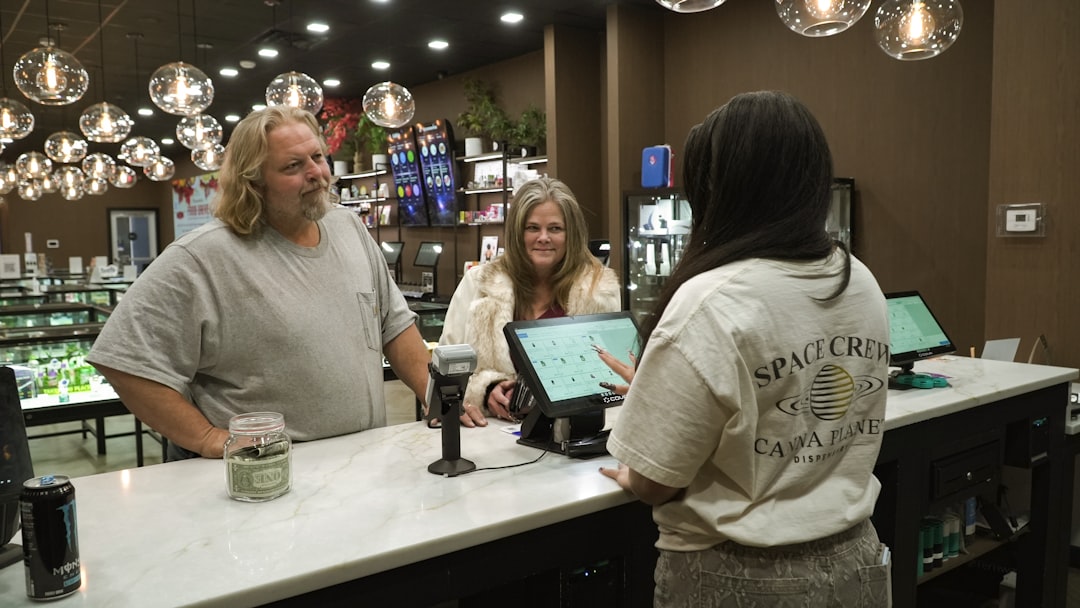
It is late on a Thursday, and your phone buzzes while you are at the counter. A text from someone claiming to be your payment processor says that your bank payout account needs immediate verification. Another message says your invoicing app was locked due to suspicious login activity. The owner in every local shop has seen this scene. Panic rises first, because it feels real and urgent.
Before the team presses any link, they should pause. Scams for small teams usually win by creating urgency, not by being technically complicated. You do not need expensive software to stay ahead. You need a short repeated check that your team can actually do. The goal is simple: catch fake account changes, stale access, and suspicious requests before they steal trust or money.
The goal of a 15 minute safety routine
If your team can only spare 15 minutes a week on security, that is better than hoping a one-time cleanup will last for months. This routine is built for the reality of short-staffed stores, weekend shifts, and owner attention split across customers, suppliers, and staff questions. It is practical because it is a habit, not a toolbox project. Every part happens in 5 minutes.
Minute 1 to 5: Verify money movement
Most expensive scams begin with a fake message about money. The message may arrive by text, email, or even a fake support call. This step is short and strict by design.
Step 1: Do not click links from unknown sender names that look close to a real brand. A misspelled domain or a changed contact number should stop the process.
Step 2: Use your approved contact list. If a bank, processor, or supplier message says payout or payment changes are needed, call the number from your existing bill or account setup, not the one in the message.
Step 3: Confirm the request with at least two checks. Ask if the change was initiated from a recent support ticket and if the request appears on the account dashboard you already access.
Step 4: If you do not recognize the request, keep the account as-is and ask your payment contact to pause any pending change.
Think of this as a five minute gate. Scams move fast; your team should move faster on verification. The faster the verification path, the less likely a fake prompt is to freeze a checkout, a payroll flow, or a supplier payment.
Minute 6 to 10: Check who can enter your systems
Most small teams reuse passwords across stores and services because it is easy. That convenience is where attackers gain leverage. You do not need perfect cybersecurity architecture. You need clear rules everyone can follow.
Use this five minute check at the same time each week:
Check 1: Open one core business account: email, POS login, and business bank portal. Confirm each has strong, unique login details.
Check 2: Review two recovery details. Make sure recovery phone and backup email are current and reachable by someone in the lead role.
Check 3: Enable two-factor where possible, especially for email and payment tools.
Check 4: Review last login alerts. One surprise login from an unknown city or time should trigger a second review.
Many teams do this only after a scare. That is when it becomes expensive. If the check is routine, the team learns what normal looks like and can spot changes faster.
Minute 11 to 15: Run one message triage and one device hygiene pass
Set a sticky phrase on your team board: 'If it is urgent and asks for credentials or account changes, verify first' This is your shortcut from panic to process. In this last five minutes, the team should do two practical actions.
First, review yesterday's suspicious messages in one place. One person saves a screenshot, and one person reads each note. The goal is not to debate language; it is to flag the pattern. Too many threats use same tactics: urgent payment change, fear of lockout, and request for one-time password by SMS or chat app. If two of these three signs appear in one message, the message should be treated as suspicious.
Second, do a quick device pass for shared tablets or staff computers. Check if screen lock is enabled, if software updates are waiting, and if automatic login is still on. Small updates can be boring to some teams, but they block known bad actors from older vulnerabilities.
Where to keep this routine from becoming one more task that disappears
Most teams stop after one week because it feels like a chore. Tie the 15 minute routine to one visible calendar moment and one recurring person in your staff schedule. For example, every Monday after the Monday prep, whoever opens first signs off the security check. No heroics. One person owns it for that week.
Use a simple note card with three questions only:
Question 1: Did any message request account or payout changes?
Question 2: Did any login or permission change happen without documented approval?
Question 3: Did any shared device show a warning or missing update?
If a question is marked yes, the second line action is set immediately: verify with the official contact and pause risky changes until verified.
When the team answers these questions in writing, they build team memory. No one needs to remember every warning pattern. They only need to keep a short habit active.
Real-world examples that stay relevant to local shops
In one small hardware store, the Friday routine caught a fake email that asked for a payout destination change. The owner had built a simple call-back rule from the same supplier's contract number, so the team confirmed the message was fake before acting. One wrong click was avoided in under two minutes.
In a neighborhood café, one staff member had used one password for the POS dashboard and a cloud backup account. The team noticed the duplicate alert in their access check, reset the password, and changed the policy for both accounts before the same weekend. They avoided a bigger headache and a possible account lock during peak hours.
In a salon, a text claiming to offer a software upgrade looked convincing. Because the team had written a message script from this routine, they called support from their known number and found no pending upgrade request. The text did not cause data loss. Staff confidence improved because they had done the habit once or twice before the real moment.
What this routine looks like after 4 weeks
You do not need fancy dashboards to see improvement. You need fewer 'What do we do now?' moments. If you check the routine every week, team handoffs get faster. Staff stop guessing and start using the same process. Fewer false panics means fewer wasted breaks.
Most importantly, your team stops treating security as an emergency event. It becomes part of normal shop operation. That is the point. A small business does not need heroic recovery. It needs repeatable, low-friction habits.
Useful references and local support points
These sources offer practical framing for small teams: NIST Small Business Cybersecurity, SBA Cybersecurity guidance for small businesses, and FTC cybersecurity recommendations for small businesses. Use them as a planning reference, not a replacement for your internal process.
A fifteen minute routine does not guarantee zero incidents. It lowers risk, catches bad patterns earlier, and makes your team easier to train when new staff arrives. If your team is tired, small improvements still work as long as they repeat. Start this routine on Monday, and keep the note card for two minutes each day until every shift knows it by heart.