
The Local Listing Photo Check That Makes a Visit Feel Familiar
A customer spots your shop online, then looks for it from the sidewalk. Keep a small set of current, honest photos ready so the doorway, counter, and people they see in person feel like the same place.
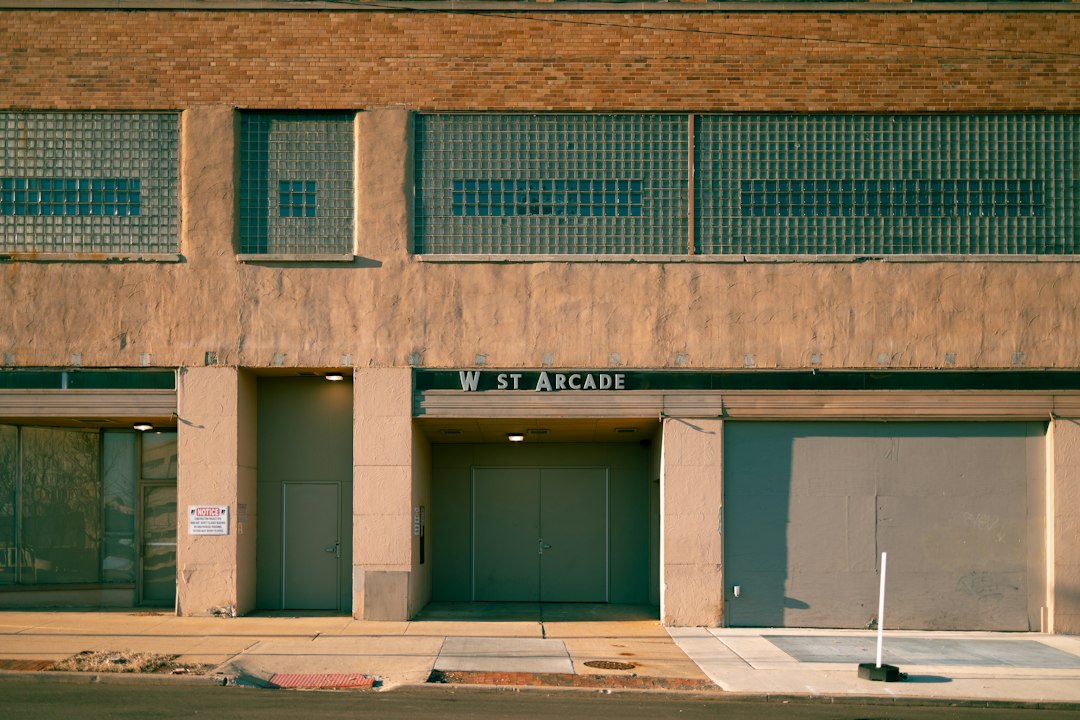
A customer has found your business on a map and is standing across the street. They look up from their phone, scan the storefront, then glance back at the screen. If the listing shows a doorway from five years ago, a seasonal display that has long gone, or a room that has been rearranged, that last step can feel needlessly uncertain.
Photos cannot make every customer choose your business, and they are not a substitute for accurate hours or a clear address. They can help someone recognize the place they are trying to find and set a fair expectation before they walk in. A small photo check, done a few times a year, is easier than waiting until every picture feels stale.
Start with what a first-time visitor needs to recognize
Think about the questions a new customer might have on the way over. Which door should I use? What does the counter or waiting area look like? Is there a sign I can spot from the pavement? A useful set of photos answers those questions without turning the listing into a glossy brochure.
For a shop, that might mean a clear exterior view, the entrance, and one image that gives a sense of the space inside. A repair service could show its marked vehicle or the work area customers visit. A salon might include the reception area and a representative view of the chairs. Choose scenes that reflect what a customer will actually encounter, not a special setup that appears only for the camera.
Walk through the experience as if you have never visited. Which visual detail would help you find the door? Is there a step, shared entrance, or side doorway worth explaining in the caption or on your website? If the listing platform has accessibility details or an appropriate way to describe access, keep those details accurate too. A photo can help people orient themselves, but it should not be expected to explain every access need.
Take a few useful pictures, not a photo marathon
You do not need a studio or a new camera. A current phone is usually enough for a straightforward business photo. Wipe the lens, turn on the lights that are normally used, and take a few frames in natural light if that is practical. Hold the phone steady and check that the important part of the scene is in focus.
Before taking pictures, tidy only what a customer would reasonably expect to see on a normal day. Move a delivery box away from the entrance if it is temporary, but do not hide a permanent step or squeeze a busy work area into an empty showroom. A little care is helpful; staging a different reality can create disappointment.
It helps to take the basic set in one visit:
- Outside: the storefront or customer entrance, with the sign visible when possible.
- Inside: a representative view of the area customers use.
- What you do: a real product, service space, or piece of equipment that helps explain the business.
- Seasonal changes: only when a temporary display or entrance change affects what a visitor will see.
Ask permission before photographing customers or staff in a way that makes them identifiable. Avoid catching payment screens, receipts, appointment books, delivery labels, or other information in the background. A quick look at the edges of the frame can save an awkward privacy problem later.
Keep the pictures honest and current
Use the image that best represents the scene, not one that makes the space look larger or the service look different. Skip heavy filters, dramatic edits, added text, and effects that change colors or remove permanent features. If you show a product or a room, it should still resemble what a customer can see now.
Some changes deserve an update sooner than others. A new entrance, a moved counter, a major renovation, or a seasonal setup that changes where customers should go can make an older image confusing. A new cushion color probably does not require an emergency photo session. The goal is recognition, not a perfect visual diary.
Platforms can review photos before they appear, and they may apply their own format and content rules. Google, for example, publishes guidance for photos and videos on Business Profiles. Check the current instructions in the platform you use before uploading, especially if you manage several locations or have not added photos before.
Make a ten-minute review part of the routine
Choose a recurring reminder, perhaps alongside a quarterly website check. Open the public listing as a customer would, rather than relying only on the management screen. Check the lead image and a few recent pictures. Ask a staff member who greets visitors whether the entrance and interior still look familiar.
Keep a simple note with three columns: the photo, what needs checking, and who will handle it. For example: front entrance, new sign installed, Maya to take an updated picture. This avoids the classic office mystery where everyone agrees a photo is old and nobody knows who has the next turn.
When you replace an image, make sure the newer one is actually visible to the public. Some services review edits or take time to refresh a listing. If an upload is pending, do not assume the change has already appeared. You can check again later and keep the note open until it does.
A quick photo review before busy seasons
Before a local event, holiday rush, or seasonal change, look at the pictures alongside your hours and contact details. If a temporary entrance or display changes how customers arrive, update the relevant information where you manage the listing and on your own website. Do not rely on an old photo to explain a change that matters today.
Keep the original images in a business-owned folder with plain filenames such as front-door-2026 or main-service-area. Avoid putting private customer details in filenames. Give at least one other trusted person access to the folder and the business listing, using the platform's own access controls rather than sharing a personal password.
A useful photo set is modest: a handful of honest views, checked now and then, with someone responsible for replacing the ones that no longer match the place. That is enough to help a customer spot your door and arrive with a clearer picture of what they will find.